
216.73.216.52 - United States, La Habra
laptop

How to setup IKEv2 VPN on Linux

IKEv2 is supported in Linux via strongSwan package, what are available for most Linux versions. It is enough to install appropriate plugin for NetworkManager.

See our guide how to setup IKEv2 VPN connection in Linux Ubuntu 18.04 LTS. In other versions of Linux, the configuration process may vary slightly.


1 Next
Setting up IKEv2 VPN on Linux Ubuntu 18.04, step 1 Setting up IKEv2 VPN on Linux Ubuntu 18.04, step 1
2
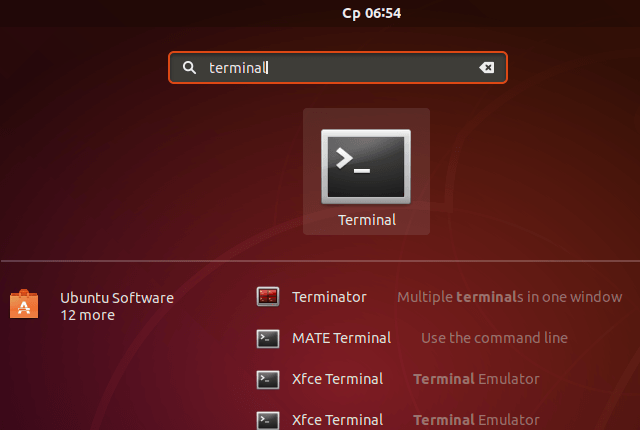
In search window type terminal and launch terminal app.
Next
Setting up IKEv2 VPN on Linux Ubuntu 18.04, step 2 Setting up IKEv2 VPN on Linux Ubuntu 18.04, step 2
3
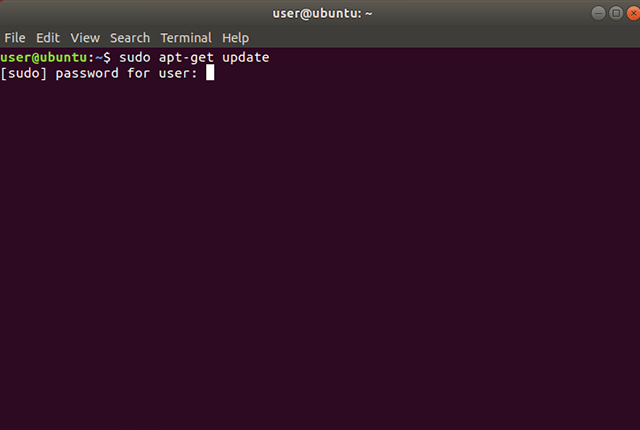
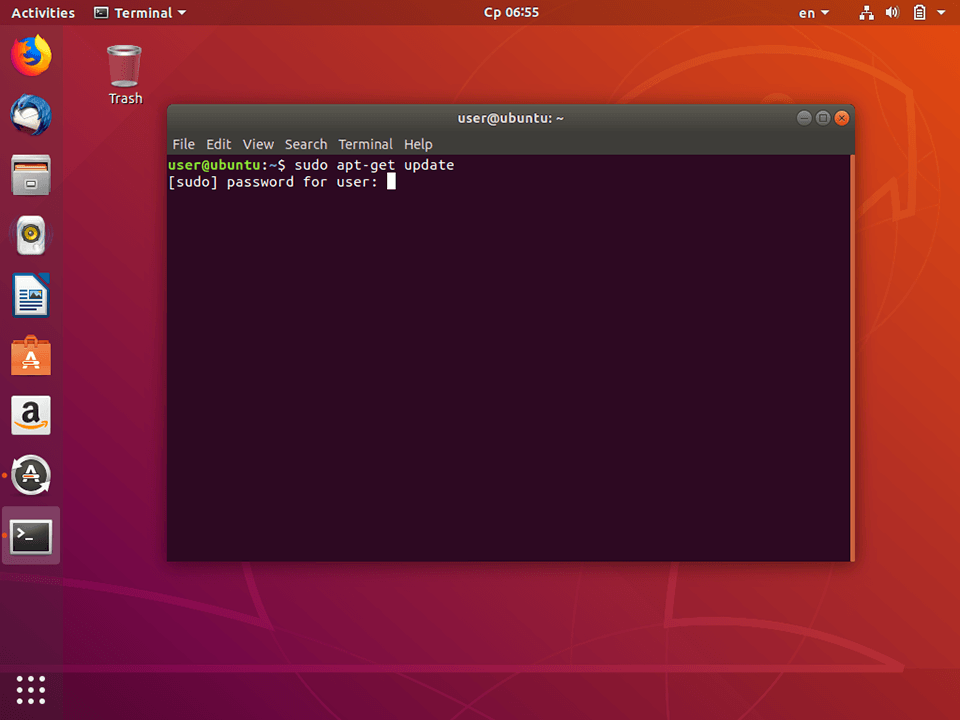
In command prompt type sudo apt-get update, if required - enter your Ubuntu password.
Next
Setting up IKEv2 VPN on Linux Ubuntu 18.04, step 3 Setting up IKEv2 VPN on Linux Ubuntu 18.04, step 3
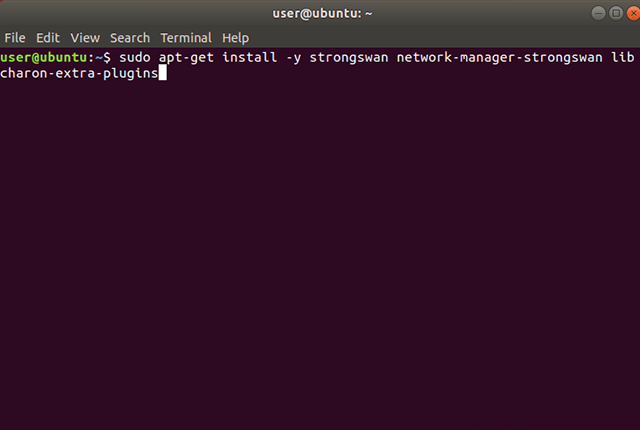
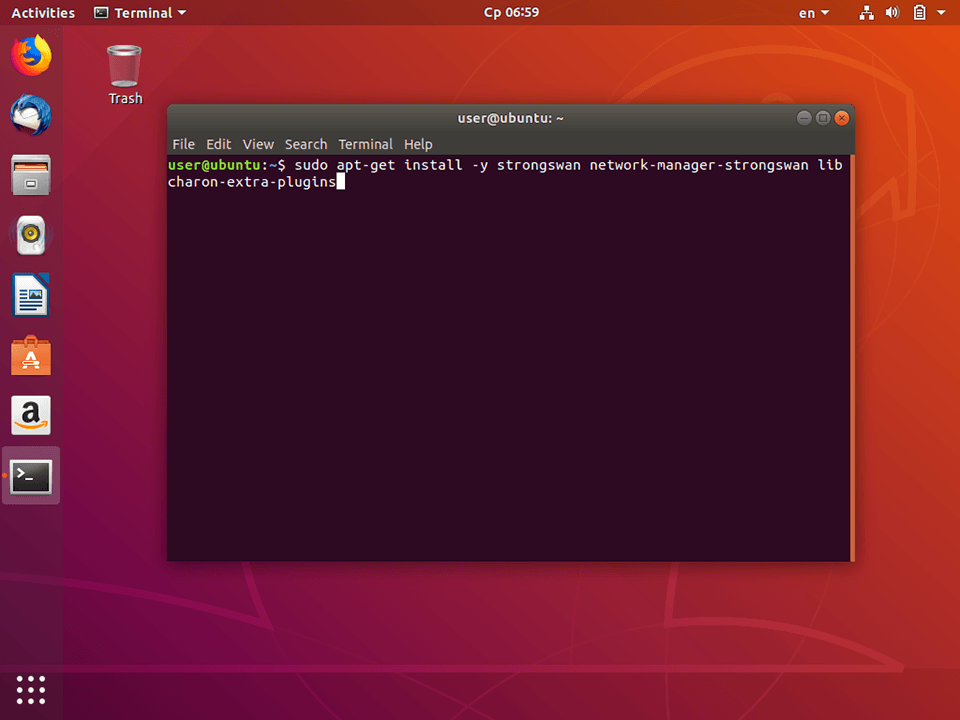
Setting up IKEv2 VPN on Linux Ubuntu 18.04, step 4 Setting up IKEv2 VPN on Linux Ubuntu 18.04, step 4
5
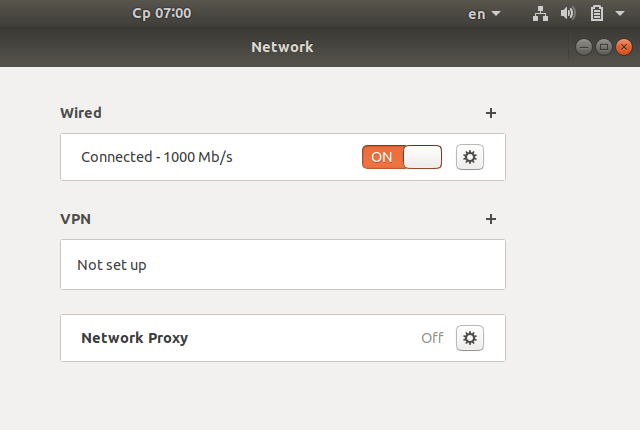
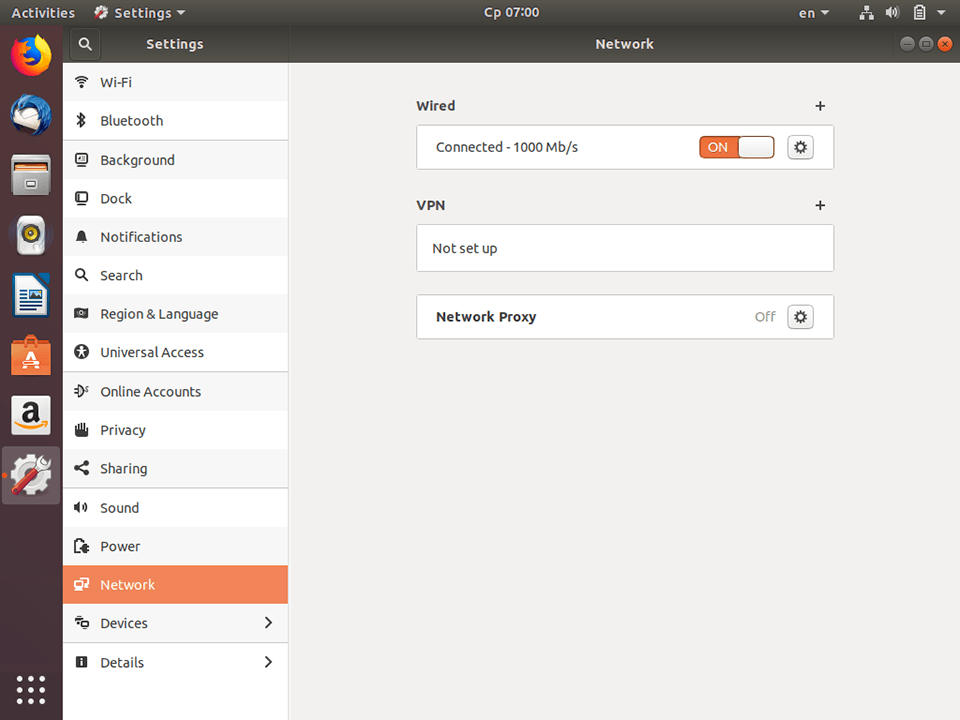
Go to Settings -> Network and click the "plus" icon in VPN section.
Next
Setting up IKEv2 VPN on Linux Ubuntu 18.04, step 5 Setting up IKEv2 VPN on Linux Ubuntu 18.04, step 5
6
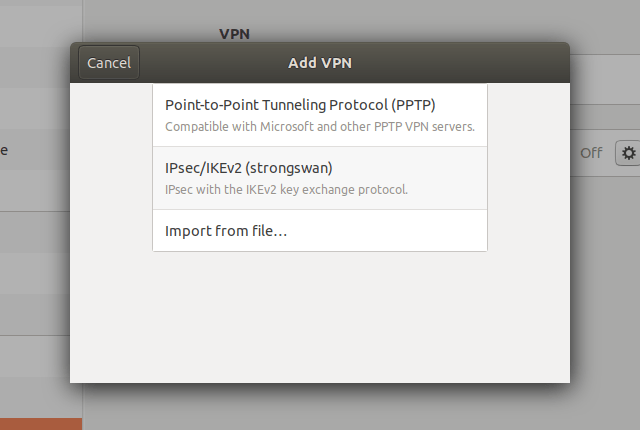
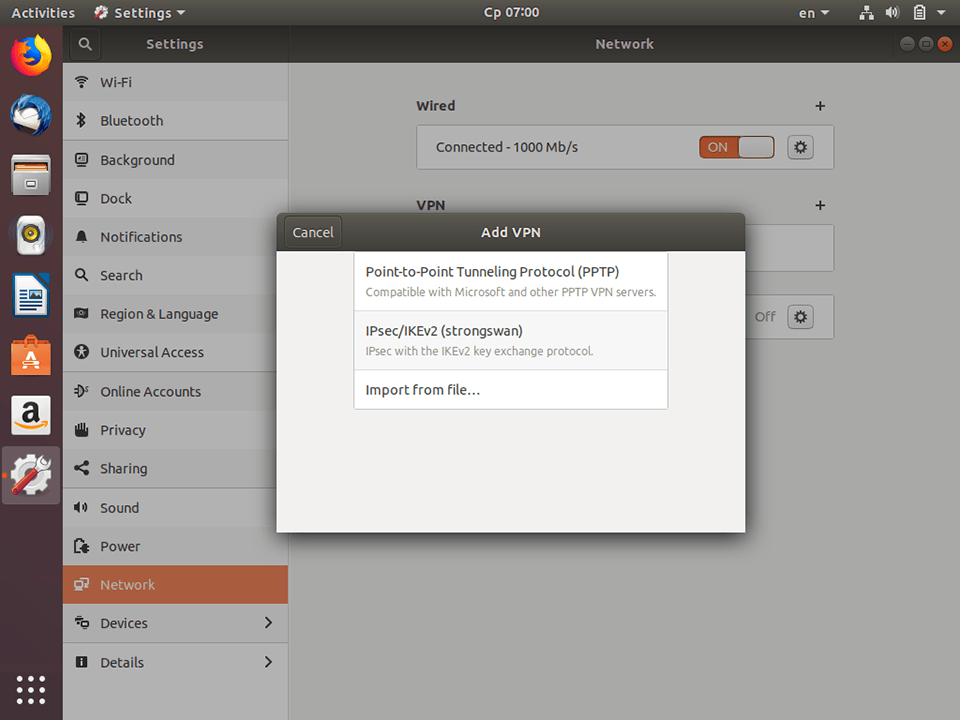
In appeared window select the type of connection - IPsec/IKEv2 (strongswan).
Next
Setting up IKEv2 VPN on Linux Ubuntu 18.04, step 6 Setting up IKEv2 VPN on Linux Ubuntu 18.04, step 6
7
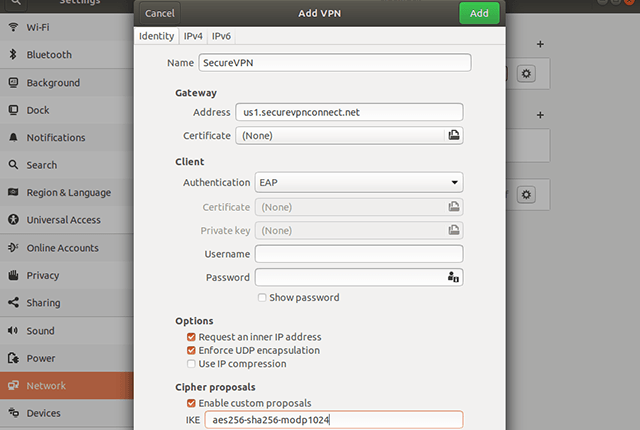
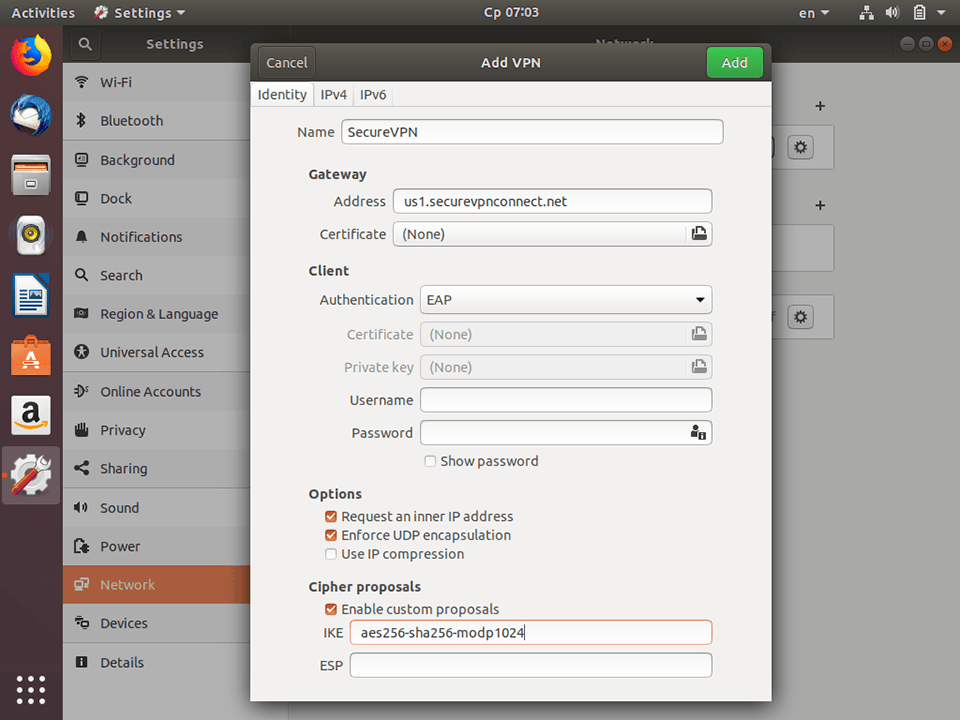
Set up the connection: In Options section check items Request an inner IP address and Enforce UDP encapsulation.

Set Enable custom proposals and in IKE prompt type aes256-sha256-modp1024.

Important Note: VPN servers list, your VPN username and password are in the file readme.txt (was sent to your email after ordering the subscription).
Next
username password Setting up IKEv2 VPN on Linux Ubuntu 18.04, step 7 Setting up IKEv2 VPN on Linux Ubuntu 18.04, step 7
8
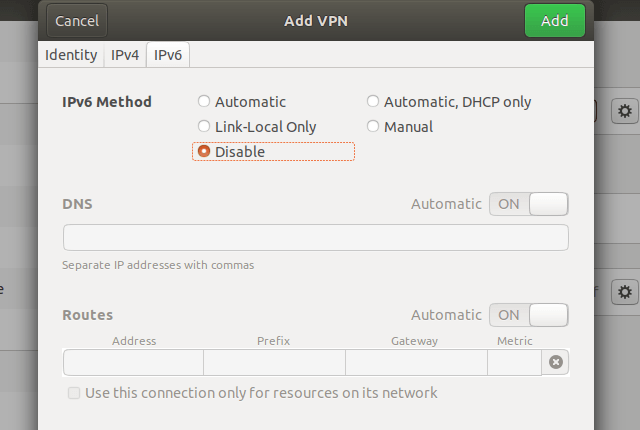
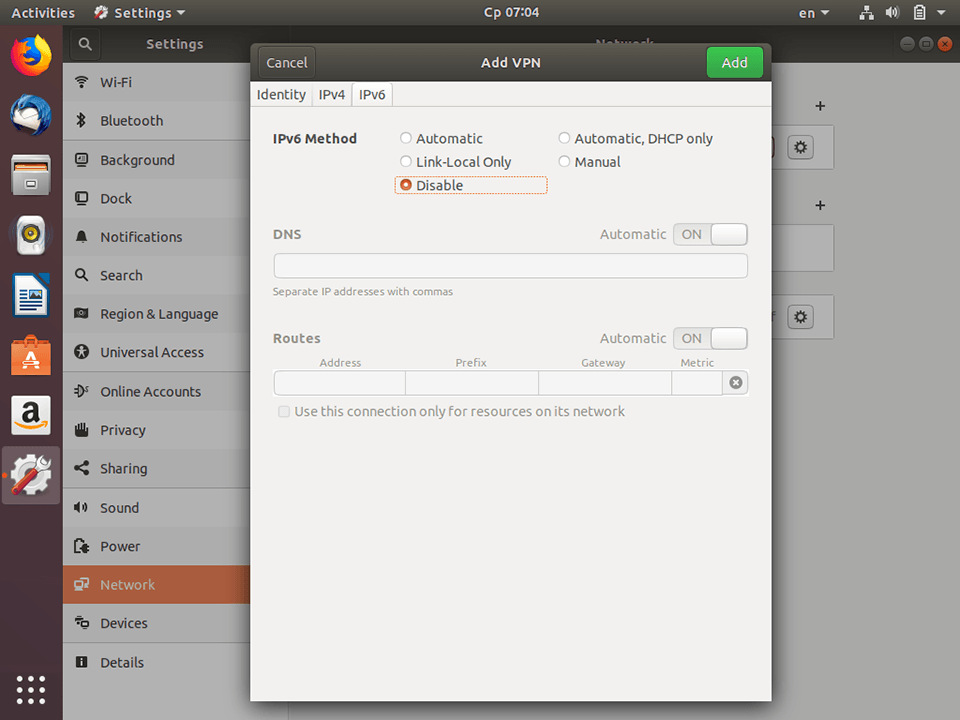
To prevent IPv6 leaks go to IPv6 tab and set Disable in IPv6 Method section.

To finish click Add.
Next
Setting up IKEv2 VPN on Linux Ubuntu 18.04, step 8 Setting up IKEv2 VPN on Linux Ubuntu 18.04, step 8
9
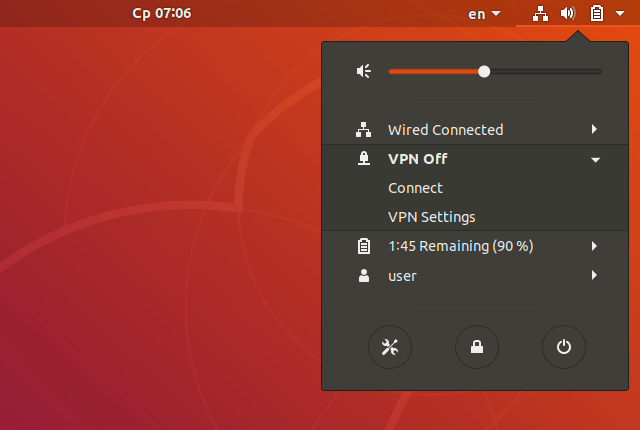
To establish the connection click on the NetworkManager Icon in the notification bar and choose Connect in VPN section.
Next
Setting up IKEv2 VPN on Linux Ubuntu 18.04, step 9 Setting up IKEv2 VPN on Linux Ubuntu 18.04, step 9
10
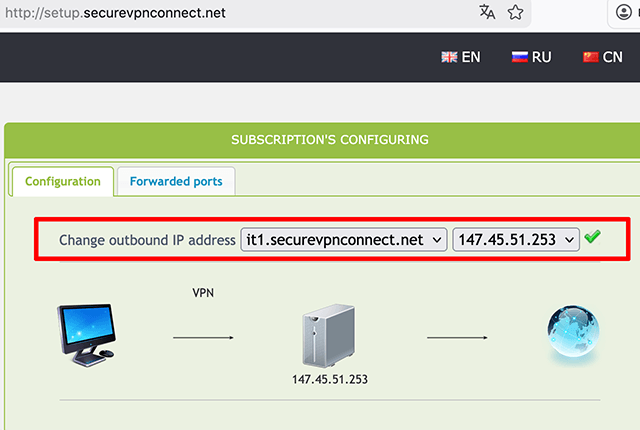
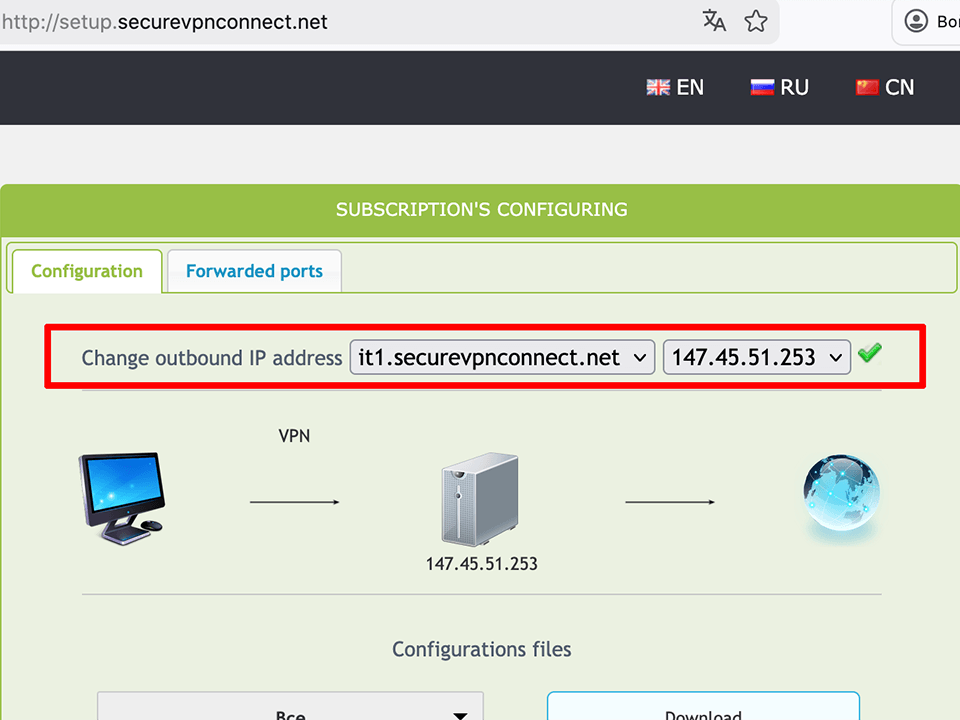
To setup the outgoing IP open the http://setup.securevpnconnect.net when VPN-connection is active. Select the IP address you need and click the green check mark. The address is changed instantly, and the next time you connect to the VPN, the previously set address will be used.
Next
Setting up IKEv2 VPN on Linux Ubuntu 18.04, step 10 Setting up IKEv2 VPN on Linux Ubuntu 18.04, step 10
11
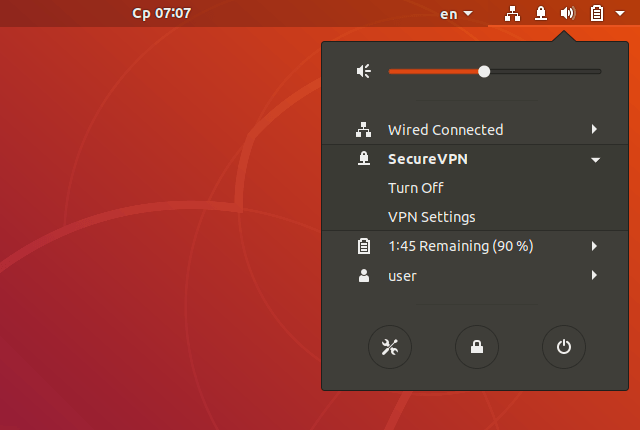
To disconnect click Turn Off.
To top
Setting up IKEv2 VPN on Linux Ubuntu 18.04, step 11 Setting up IKEv2 VPN on Linux Ubuntu 18.04, step 11

Registration


E-mail
Language
Password
Confirm Password

Support and Feedback